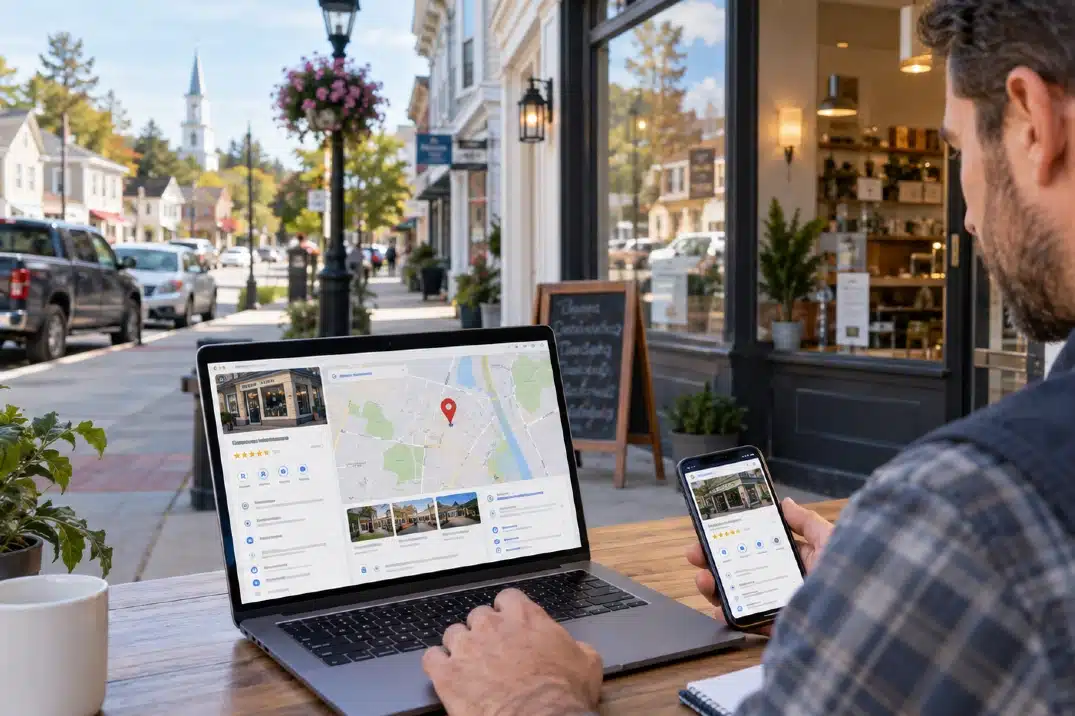

If your business is not showing on Google Maps, potential customers may have trouble finding your business when searching for local services. A missing or poorly visible Google Business Profile can limit calls, website visits, directions, and new leads.
The good news is that several common issues can prevent a business from appearing properly on Google Maps. From an unverified profile to incorrect business information or weak local SEO, identifying the problem is the first step toward improving your visibility.
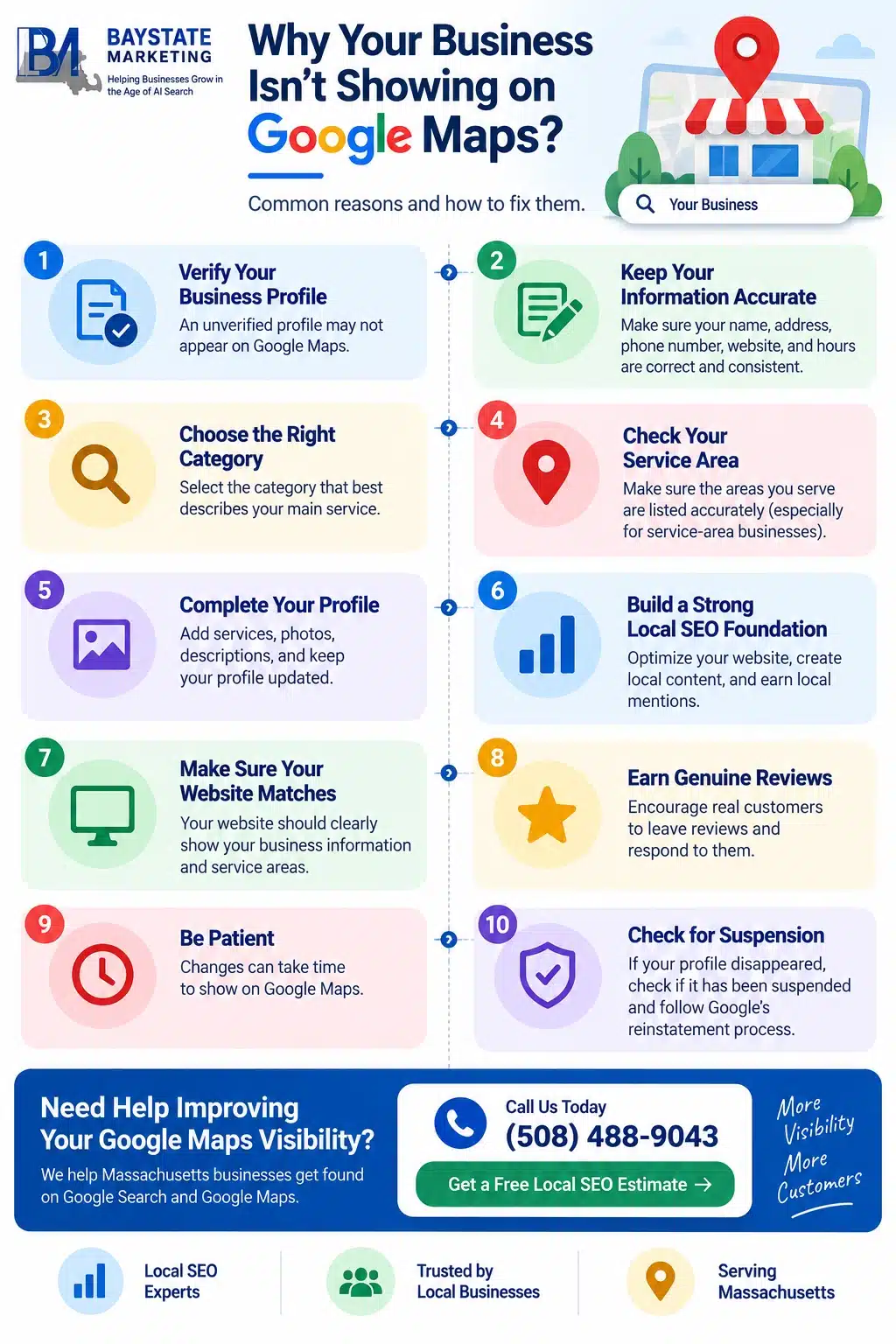
Check If Your Google Business Profile Is Verified
One of the first things to check is whether your Google Business Profile is verified. An unverified profile may not be fully eligible to appear across Google Search and Maps.
Log in to your Google Business Profile and check its verification status. If Google requires additional verification, complete the requested steps before making other changes.
Make Sure Your Business Information Is Accurate
Incorrect or inconsistent business information can make it harder for Google to understand your business and connect it with relevant local searches.
Review important details such as
- Business name
- Address or service area
- Phone number
- Website URL
- Business hours
Keep this information consistent across your website and other online business listings.
Choose the Right Google Business Profile Category
Your primary business category helps Google understand what your company does. Choosing an overly broad or inaccurate category can affect which searches your business is relevant for.
Select the category that most closely represents your main service. You can also add relevant secondary categories when appropriate, but avoid selecting categories simply because they contain keywords you want to rank for.
Check Your Service Area
If your business travels to customers instead of serving them at a storefront, your service area is particularly important.
Make sure the locations you serve are accurately represented in your Google Business Profile. This can help Google understand where your business provides services and which local searches may be relevant.
For businesses serving multiple Massachusetts communities, your website should also clearly communicate the areas you serve without creating unnecessary duplicate location pages.
Improve Your Google Business Profile
A complete and active profile gives customers more information about your business and helps establish local relevance.
Add accurate services, business hours, photos, descriptions, and other relevant information. Keep your profile updated when your business information changes.
Professional Google Business Profile optimization can also help identify missing information, category issues, profile inconsistencies, and other factors that may affect local visibility.
Build a Strong Local SEO Foundation
Your Google Business Profile is only one part of local search visibility. Your website also needs to clearly communicate what your business does and where you provide services.
Local SEO can include optimizing service pages, creating useful location-specific content, improving internal linking, building relevant citations, and earning legitimate local mentions.
For businesses targeting customers throughout Massachusetts, a well-planned local SEO strategy can help strengthen visibility beyond your Google Maps listing.
Make Sure Your Website Supports Your Business Profile
Google uses information from different sources to understand businesses and their relevance to local searches. Your website should reinforce the information listed on your Google Business Profile.
Make sure your website clearly displays your business name, services, contact information, and service areas. Your important service pages should also provide useful, original information instead of thin or duplicated content.
Check for Google Business Profile Suspension
If your profile previously appeared on Google Maps but suddenly disappeared, check whether it has been suspended or restricted.
Google can take action when a profile does not follow its Business Profile guidelines. Review your profile status and any notifications in your account. If your profile has been suspended, follow Google’s reinstatement process rather than creating another profile to replace it.
Earn Genuine Customer Reviews
Reviews can help demonstrate that your business is active and serving real customers. Encourage satisfied customers to leave honest reviews about their experience.
Respond to reviews professionally and address legitimate concerns when appropriate. Avoid buying reviews, creating fake reviews, or offering incentives in exchange for positive feedback.
Be Patient After Making Changes
Google Maps visibility does not always change immediately after you update your profile or website.
If you recently verified your business, changed important information, updated categories, or made significant local SEO improvements, give Google time to process the changes. Continue monitoring your profile rather than making constant changes without understanding the issue.
Why Your Business May Still Not Show on Google Maps
If your profile is verified and your information is accurate but you still have limited visibility, the issue may be related to local search relevance or competition.
Google considers factors such as relevance, distance, and prominence when determining local results. A business may be visible for searches close to its location but not appear prominently for searches made farther away.
This is why improving your overall local SEO presence is more important than focusing only on the Maps listing.
Why Choose Baystate Marketing for Local SEO?
At Baystate Marketing, we help Massachusetts businesses improve their visibility across Google Search and Google Maps.
Our local SEO approach can include Google Business Profile optimization, on-page SEO, local content, technical improvements, citation management, and ongoing performance tracking.
If your business is not appearing where local customers are searching, we can help identify potential issues and develop a strategy to improve your local search presence.
Get Your Free Local SEO Estimate
Not showing on Google Maps can mean missed opportunities to connect with nearby customers. The right combination of Google Business Profile optimization and local SEO can help your business build a stronger presence in local search.
Contact Baystate Marketing today for a free local SEO estimate and find out how we can help improve your Google Maps visibility.