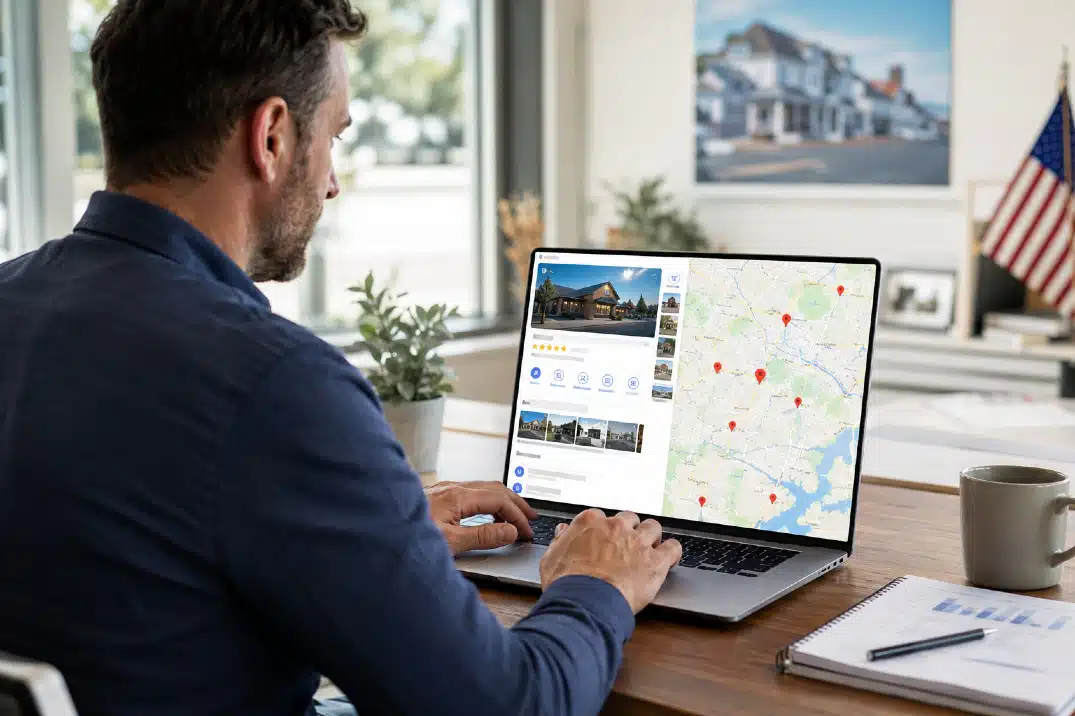

Your Google Business Profile (GBP) is one of the most important tools for helping local customers discover your business. When someone searches for a service near them, your profile can appear in Google Search and Google Maps with your business information, reviews, photos, services, and more.
Simply creating a profile isn’t enough. In 2026, keeping your profile complete, accurate, and active is essential for improving your local visibility.
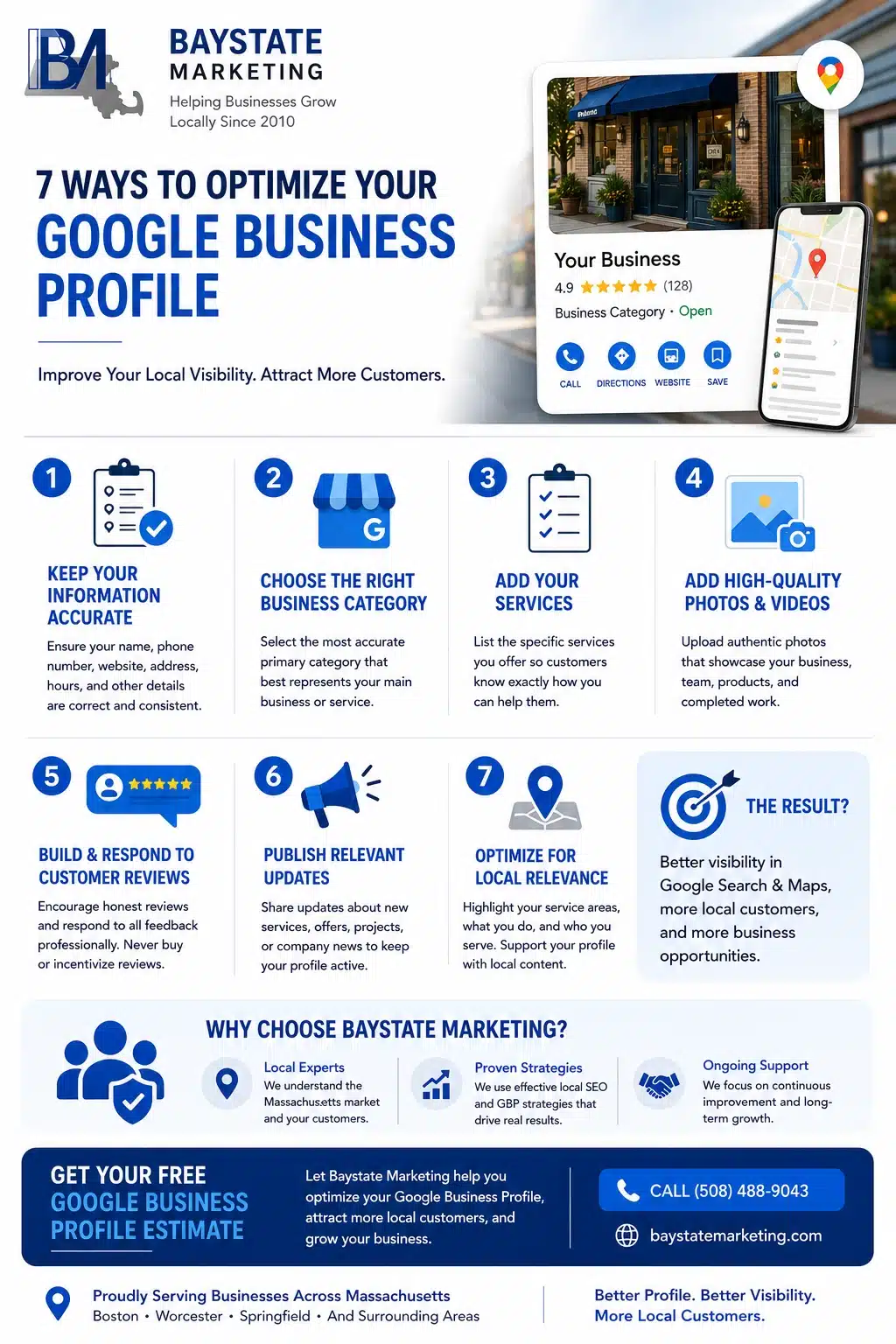
Here are seven practical ways to optimize your Google Business Profile and attract more local customers.
1. Keep Your Google Business Profile Information Accurate
Start with the basics. Make sure your business name, phone number, website, address, hours, and other important information are accurate and consistent.
What to Check on Your Google Business Profile
- Business name
- Primary category
- Phone number
- Website URL
- Business hours
- Holiday or special hours
- Address or service area
- Business attributes
Update your profile whenever something changes. Incorrect information can create a poor customer experience and may cause you to miss potential leads.
2. Choose the Right Google Business Profile Category
Your business category helps Google understand what your company does and which searches may be relevant to your business.
Choose the most accurate primary category for your business. If additional categories are genuinely relevant, add them without selecting unrelated options simply to target more searches.
Your category should reflect your main service or business type rather than individual keywords you want to rank for.
3. Add Your Services to Your Google Business Profile
If your business offers services, use the Services section to clearly explain what customers can hire you to do.
Examples of Services to Add
A roofing company might list:
- Roof Repair
- Roof Replacement
- Asphalt Shingle Installation
- Roof Inspection
A digital marketing agency could list:
- Local SEO
- Google Business Profile Optimization
- Website Design
- Content Marketing
Keep your services accurate and specific. Don’t add services you don’t actually provide.
4. Add High-Quality Photos and Videos
Visual content can make your profile more useful and appealing to potential customers.
Upload authentic photos that show your business, team, products, location, and completed work. Use clear, well-lit images that accurately represent your business.
Good Photos for Your Google Business Profile
- Exterior photos
- Interior photos
- Team photos
- Products
- Completed projects
- Employees performing services
- Before-and-after project images
For service businesses, photos of your team actually doing the work can help potential customers understand what you offer.
Avoid heavily edited or misleading images. Your profile should give customers a realistic impression of your business.
5. Build and Respond to Genuine Customer Reviews
Reviews give potential customers insight into the experiences of people who have already worked with your business.
Ask customers for honest feedback and respond to reviews professionally. Never buy reviews or offer incentives in exchange for them.
How to Manage Google Reviews
- Ask satisfied customers to leave honest feedback
- Make the review process easy
- Respond to positive reviews
- Respond professionally to negative reviews
- Address legitimate customer concerns
- Never buy or incentivize reviews
Avoid using the exact same response for every customer. A short, personalized response feels more genuine.
6. Publish Relevant Google Business Profile Updates
Keep your profile useful by sharing relevant updates when appropriate.
Depending on your business, you can highlight:
- New services
- Seasonal offers
- Completed projects
- Company updates
- Events
- Helpful customer information
Focus on updates that provide real value rather than publishing simply for the sake of activity.
Use clear images and concise descriptions, and direct customers to the appropriate page when relevant.
7. Optimize Your Google Business Profile for Local Relevance
Local SEO isn’t only about adding a city name to your profile. Your business profile and website should clearly communicate where you operate and what services you provide.
Strengthen Your Local Presence
Make sure your website and Business Profile clearly communicate:
- What your business does
- Where you provide services
- Which customers you serve
- What makes your business different
Your website should support your business profile with relevant local content, consistent business information, service pages, and location-specific information.
Avoid keyword stuffing. Adding the same city or keyword repeatedly can make your content look unnatural.
Why Choose Baystate Marketing for Google Business Profile Optimization?
At Baystate Marketing, we help businesses across Massachusetts improve their local online presence through strategic Google Business Profile optimization and local SEO.
Our approach focuses on accurate business information, relevant services, local content, review management, profile optimization, and ongoing improvements.
Whether you’re a small local business or a growing company serving multiple Massachusetts communities, we can help you build a stronger local search presence and reach more potential customers.
Get Your Free Google Business Profile Estimate
Ready to improve your local visibility? Baystate Marketing helps Massachusetts businesses optimize their Google Business Profile to reach more local customers and generate more leads.
Contact Baystate Marketing today for a free estimate and learn how professional Google Business Profile optimization can strengthen your local presence.